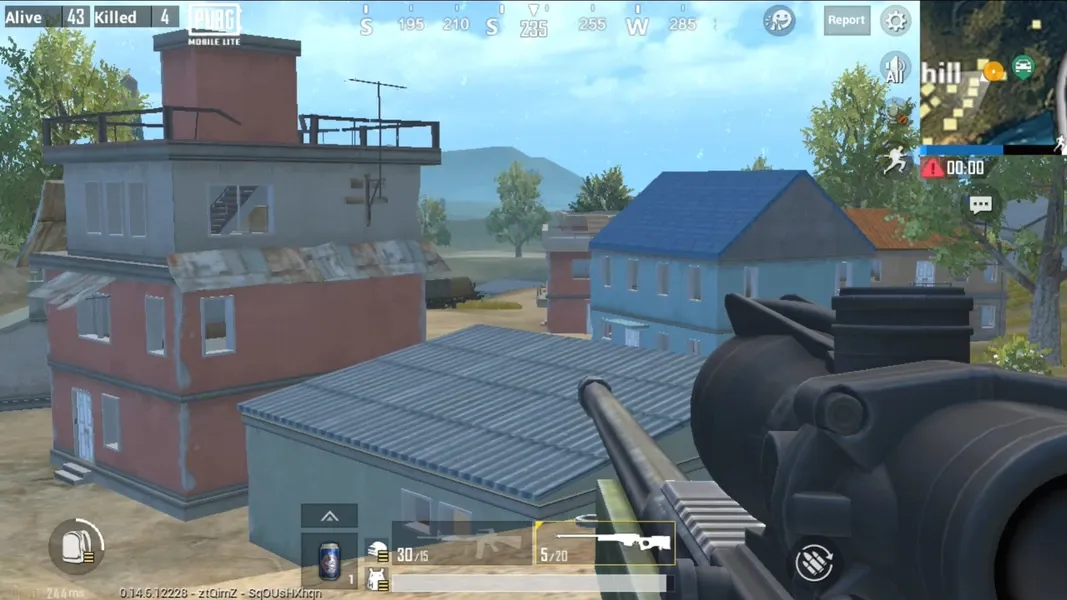
PUBG Mobile Lite download APK is one of the most searched topics among gamers. However, many don't know how to download the APK safely. In this article, we have compiled a comprehensive guide to download the PUBG Mobile APK.
PUBG Mobile Lite Latest Version Download Guide
For Android Users:
-
Open the Google Play Store on your device.
-
Search for "PUBG Mobile Lite."
-
Tap the "Download" button.
-
Wait for the download to complete and install.
For iOS Users:
-
Open the App Store on your device.
-
Search for "PUBG Mobile Lite."
-
Tap the "Download" button.
-
Wait for the download to complete and install.
PUBG Mobile Lite Download APK Guide
Follow the below steps to download PUBG Mobile Lite from Tap Tap:
-
Step 1: Go to your browser and search “Tap Tap.”
-
Step 2: Click on the first link.
-
Step 3: Once on the homepage, type “PUBG Mobile Lite” in the search box.
-
Step 4: Click on the game and download it.
-
Step 5: Once the download is complete, install the game and enjoy.
Before downloading PUBG Mobile Lite, it’s important to get your device ready to ensure a smooth update experience. Follow these steps to prepare:
Free Up Storage Space: Check if you have enough storage for the update. If needed, delete unused apps or files.
Stable Internet Connection: A reliable internet connection will help you download PUBG Mobile Lite without interruptions.
Backup Your Account: Link your game account to a social media or Google account to protect your progress.
Close Background Apps: Closing extra apps can make the download and installation faster and help your device run smoothly.
About PUBG Mobile Lite
PUBG Mobile Lite is a lighter version of the popular battle royale game, PUBG Mobile. It is developed for low- to mid-end devices, which provides a similar experience as PUBG Mobile but with a lighter version and smooth gameplay.