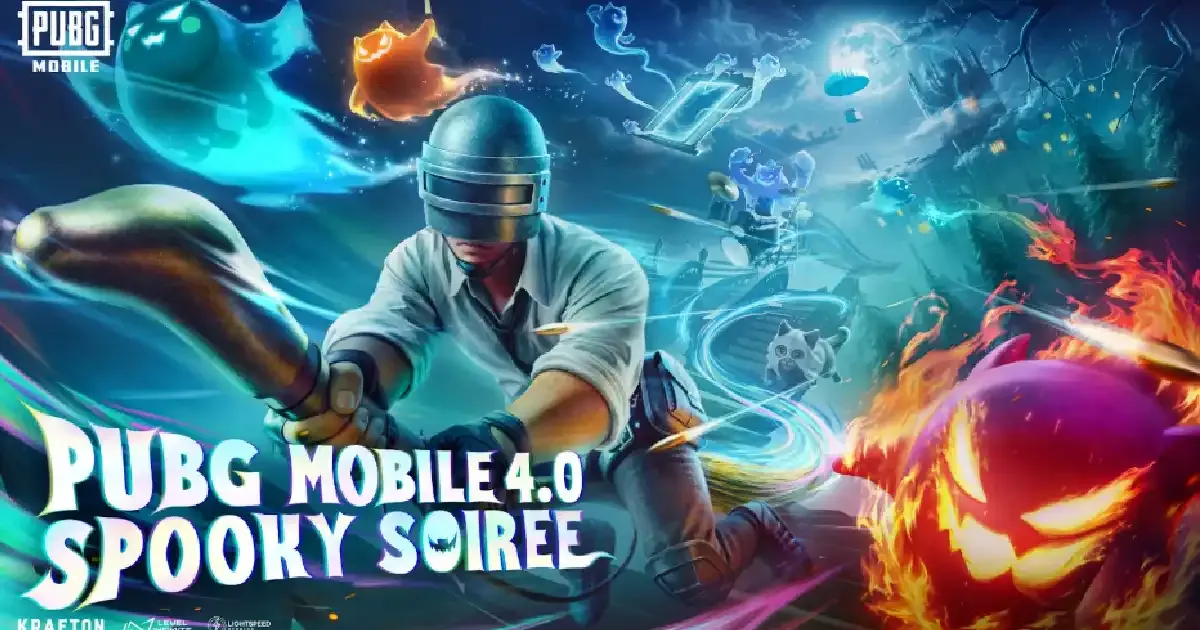
The PUBG Mobile 4.0 update download is now available on the Google Play Store, App Store, and other third-party app stores and websites. If the update is not showing on your app store, don't worry; the update will slowly roll out for all devices, so you will get the update soon. The new patch introduced the Spooky Soiree theme mode, gameplay features, themed areas & items, vehicles, and more game enhancements. Check out the PUBG Mobile 4.0 update download guide below.
PUBG Mobile 4.0 Update Download Guide
Chcek out PUBG Mobile 4.0 update download guide for Android and iOS below:
Android
-
Step 1: Open Google Play Store and search “PUBG Mobile.”
-
Step 2: Click on the “Update” button.
-
Step 3: Wait for the update download
-
Step 3: Once all done, open the game and enjoy!
iOS
-
Step 1: Open the App Store and search for “PUBG Mobile.”
-
Step 2: Click on the “Update” button.
-
Step 3: Wait for the update download
-
Step 3: Once all done, open the game and enjoy!
PUBG Mobile 4.0 Update APK Download Guide
Follow the below steps for PUBG Mobile 4.0 update APK download:
-
Step 1: Visit the official PUBG Mobile website.
-
Step 2: Check out the PUBG Mobile 4.0 update APK download on the homepage.
-
Step 3: Click on the download button.
-
Step 4: Wait to download and install the APK.
-
Step 5: Now open the game and enjoy.
PUBG Mobile 4.0 update download time for all regions
Google Play
Vietnam
-
30%: 03 September 2025 12:30
-
70%: 03 September 2025 14:30
-
100%: 03 September 2025 16:30
Korea, Japan
-
100%: 03 September 2025 07:30
Taiwan
-
100%: 03 September 2025 08:30
Globally
-
30%: 08 September 2025 07:00
-
50%: 08 September 2025 09:30
-
100%: 08 September 2025 15:30
App Store
Vietnam
-
100%: 03 September 2025 16:30
Korea, Japan
-
100%: 03 September 2025 07:30
Taiwan
-
100%: 08 September 2025 08:30
Globally
-
100%: 08 September 2025 15:30
Samsung Galaxy Store
Korea, Japan
-
100%: 07 September 2025 08:00
Globally
-
100%: 08 September 2025 09:30
Huawei AppGallery
-
100%: 08 September 2025 09:30
Official Website & Third-Party Stores
-
100%: 08 September 2025 15:30