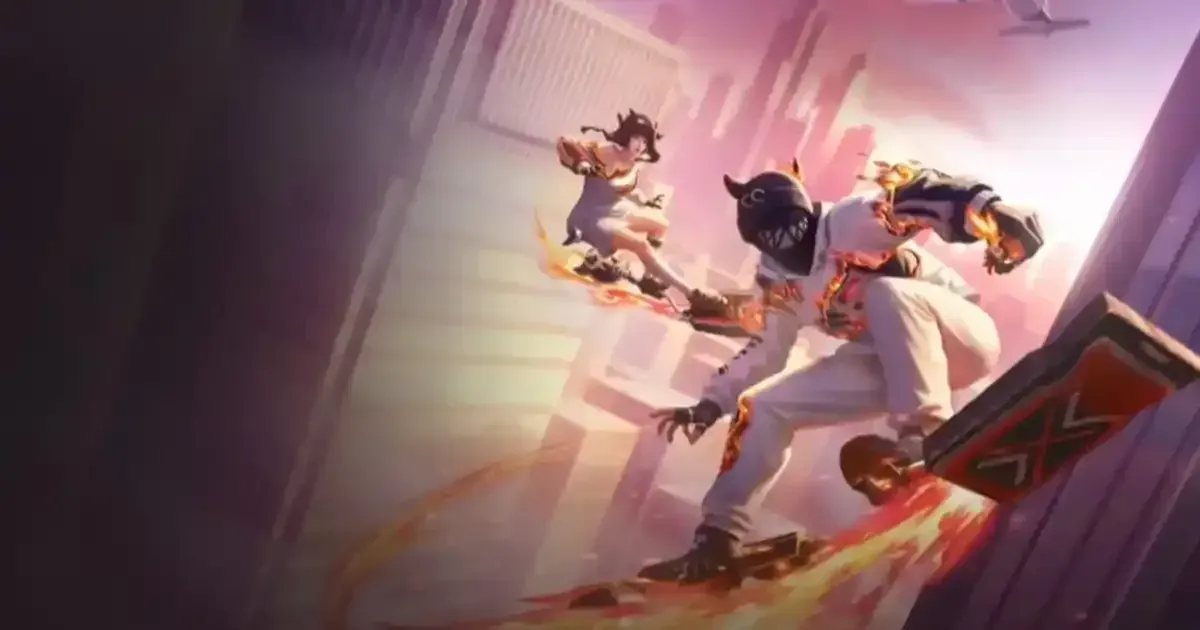
The Free Fire OB53 update download is now live and if you are looking for the APK file then dont worry in this article we have provided the comprehensive guide to download it. The Free Fire new update has intrioduced the Undesea Mystery theme in the both Battle Royale and Clash Squad modes.
Before going ahead we want to make it clear that the downloading APK files from the unknowkn sources could be dangerous. So always make sure to downlaod the APK files only from the trusted sites.
Free Fire OB53 Update APK Download Guide
Follow the steps below to download the Free Fire OB53 Update APK:
-
Step 1: Open your browser and visit the “APKPure” website.
-
Step 2: Click on the first link.
-
Step 3: Once on the homepage, check out Free Fire APK and click on the download button to start downloading.
-
Step 4: Now go to Settings > Security and turn on Unknown Sources to let your device install apps from outside the Play Store.
-
Step 5: Once all is done, install the APK and move the OBB file to the Android folder of Free Fire on your device.
-
Step 6: Open the game and enjoy.
Chcek out the Free Fire OB53 update download guide for Android and iOS below:
Android
-
Step 1: Open the Google Play Store and search “Free Fire.”
-
Step 2: Click on the “Update” button.
-
Step 3: Wait for the update download
-
Step 4: Once all is done, open the game and enjoy!
iOS
-
Step 1: Open the App Store and search for “Free Fire.”
-
Step 2: Click on the “Update” button.
-
Step 3: Wait for the update download
-
Step 4: Once all is done, open the game and enjoy!
The Free Fire new update OB53, is going to be one of the most exciting major updates of the game. The update features a new, whole new theme, some huge gameplay mechanics changes, a new character, events, fresh content, items, areas, and more.