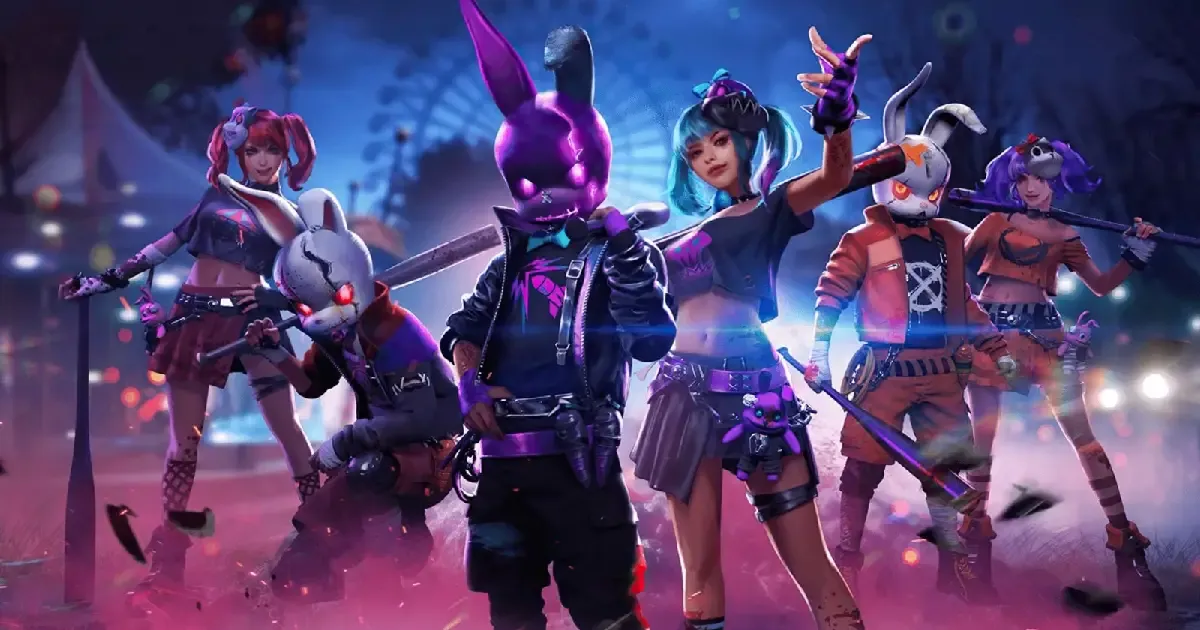
The highly anticipated Free Fire OB50 update download is now live. Gamers can now update their game through the Google Play Store or App Store. If the update is not showing in your app store, don't worry; the update will be gradually roll out for all devices, so you will receive it soon. The FF OB50 update brings a new map, gameplay enhancements, a fresh theme, events, and more features. Check out the Free Fire OB50 update download guide below.
Free Fire OB50 Update Download Guide
Check out FF OB50 update download guide for Android and iOS below:
Android
-
Step 1: Open Google Play Store and search “PUBG Mobile.”
-
Step 2: Click on the “Update” button.
-
Step 3: Wait for the update download
-
Step 3: Once all done, open the game and enjoy!
iOS
-
Step 1: Open the App Store and search for “PUBG Mobile.”
-
Step 2: Click on the “Update” button.
-
Step 3: Wait for the update download
-
Step 3: Once all done, open the game and enjoy!
This is how you can update your game via the Google Play Store and App Store. The FF new update OB50 brings a lot of new features to the game including a new character, events, gameplay enhancements, vehicles, weapons, and more. The new character added in the update is named "Rin."
One of the most exciting features in the game is the Travel Zone, where if you get killed, you will automatically revive five times. In the FF OB50 update, you'll get to see three powers to choose from. All the powers offer different skills.
Additionally, players will get to see the new gun in the Free Fire update called "TECGUN2." The accuracy and rate of fire are amazing. This update is set to be one of the most exciting updates of the game.