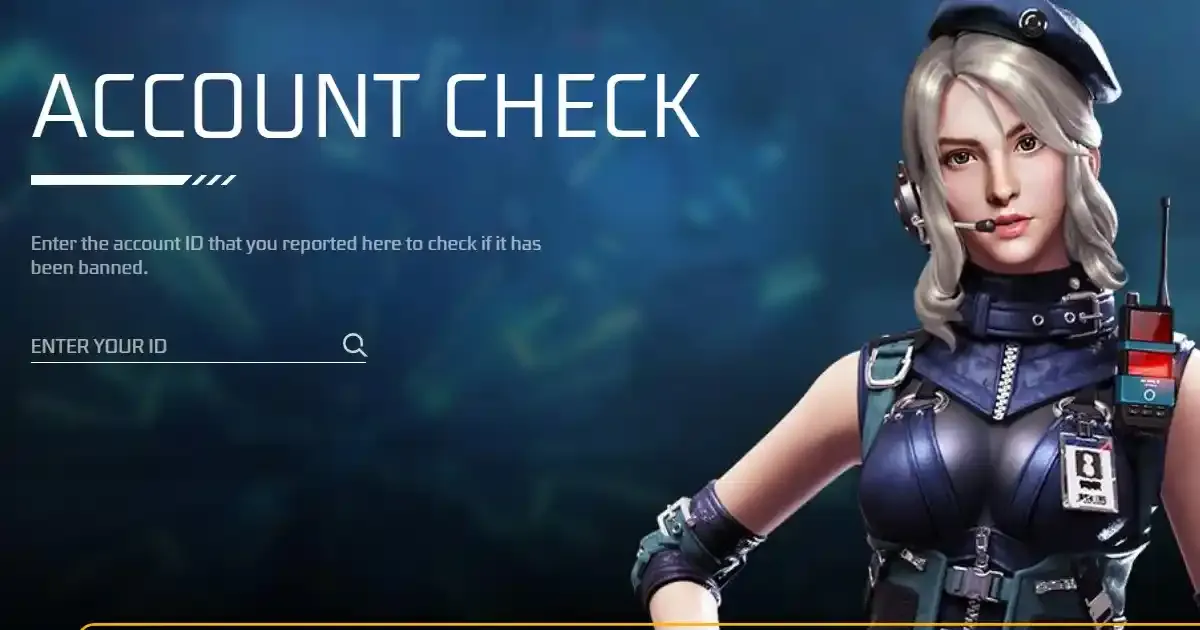
Credit: Google
Getting help from the Free Fire Help Center is easy. Players can officially check whether their Free Fire ID has been banned, or even verify the status of another player’s ID. In addition, they can also get support related to their account in the Free Fire help center. In this article, we are going to discuss how you can get help from the FF help center.
How to Get Support from Free Fire Help Center
To get support from the FF help center, follow the steps below:
Step 1: Open the Garena Free Fire website.
Step 2: Click on the top right corner and go to the "Support"
Step 3: Now, you can search for any account to see whether it is banned or not.
Step 4: If you are searching for other issues, you can check the support videos and articles below.
We also urge gamers not to use any third-party applications or websites to get some rewards or advantage in the game. Garena's fair play policies are very strict, and if you're found using any of these, your account might get banned. Always download the game from official sources like Google Play Store, App Store, or the official website of Garena Free Fire.
Free Fire Download Guide
Android
-
Step 1: Open the Google Play Store and search for “Free Fire.”
-
Step 2: Click on the “Install” button.
-
Step 3: Wait for the game to download
-
Step 4: Once all is done, open the game and enjoy.
iOS
-
Step 1: Open the App Store and search for “Free Fire.”
-
Step 2: Click on the “Install” button.
-
Step 3: Wait for the game to download.
-
Step 4: Once all is done, open the game and enjoy.
This is how you can download the game through official sources. If you want to play the Free Fire OB51 Advance Server, the registrations are now live of the Garena Free Fire Advance Server website.